Typeface maker for iPhone, iPad and Mac
Make your own typeface.
A bespoke font in seconds.
No drawing and no font software. Press a letter and turn.
Set in Vesper
Join the beta onTestFlightOne turn,
a whole font.
Press any point on a letter and turn. Every letter follows, so there's nothing to redraw. This is the app's real engine, running in your browser.
Press and turn, and this whole page follows.
Drag for the next letter. The ticks show more to turn.
Your font picks
its own words.
Typomat reads your font's character and writes to match. Make it heavy and it shouts. Thin it out and it whispers.
Now refine
one letter.
Your font is already done. If a letter needs more, move an end, a point and its handles, or pull the outline anywhere.
Your changes stay when the rest of the font changes.
The same letter in a real word, as it changes.
It's a real font.
Send it anywhere, refined letters and all. A TrueType file with kerning, that installs like any other font. Go on, type.
Compiling a real
TrueType file
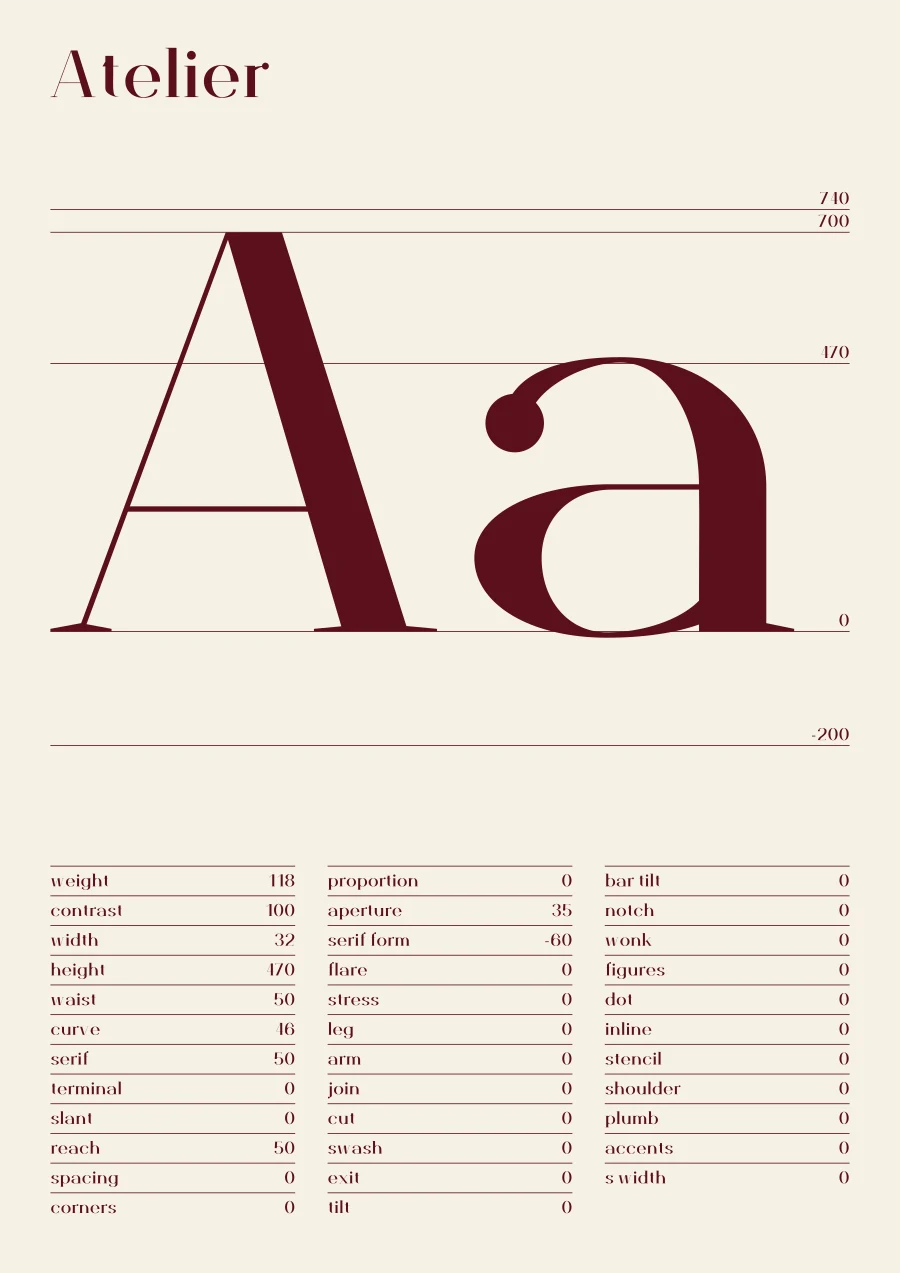
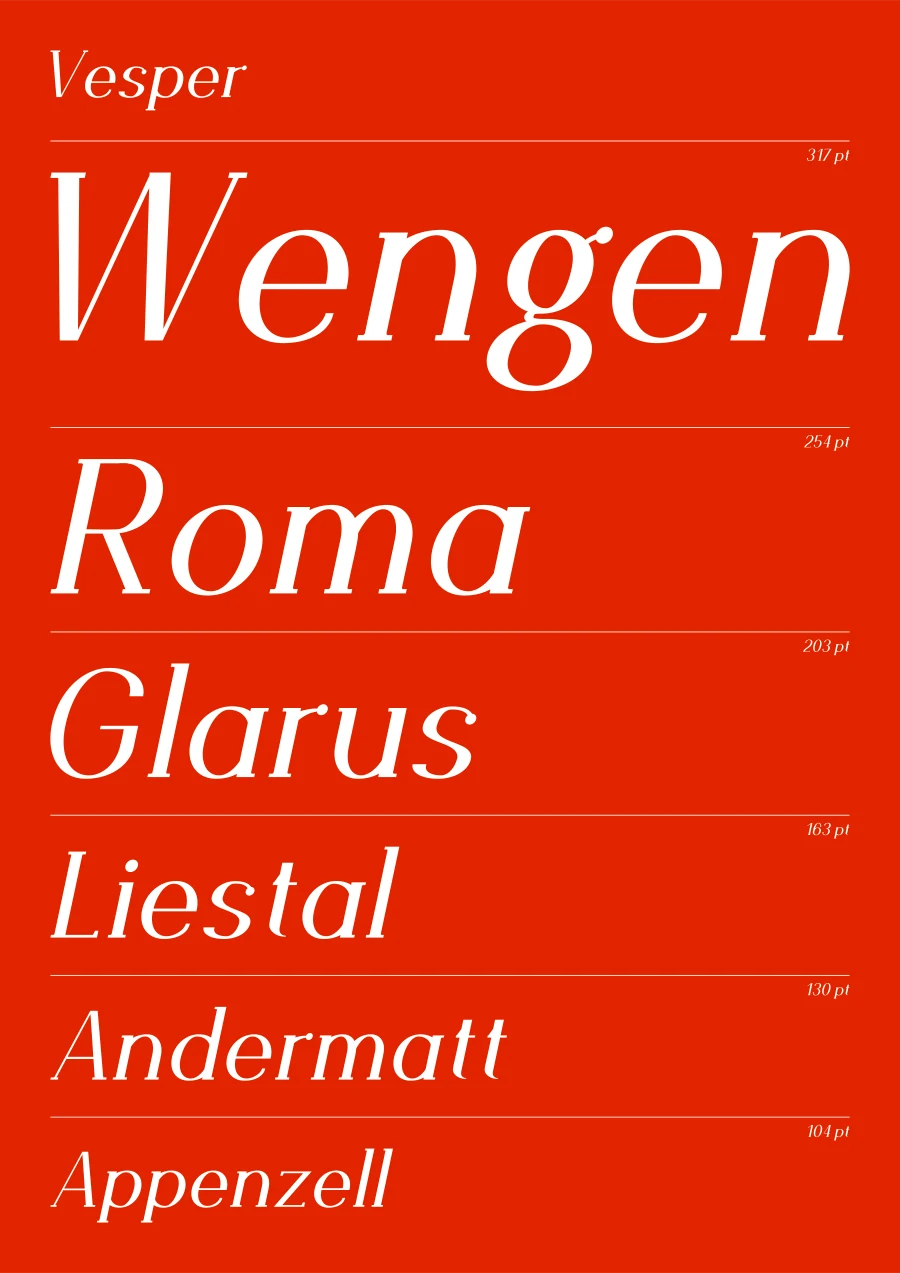
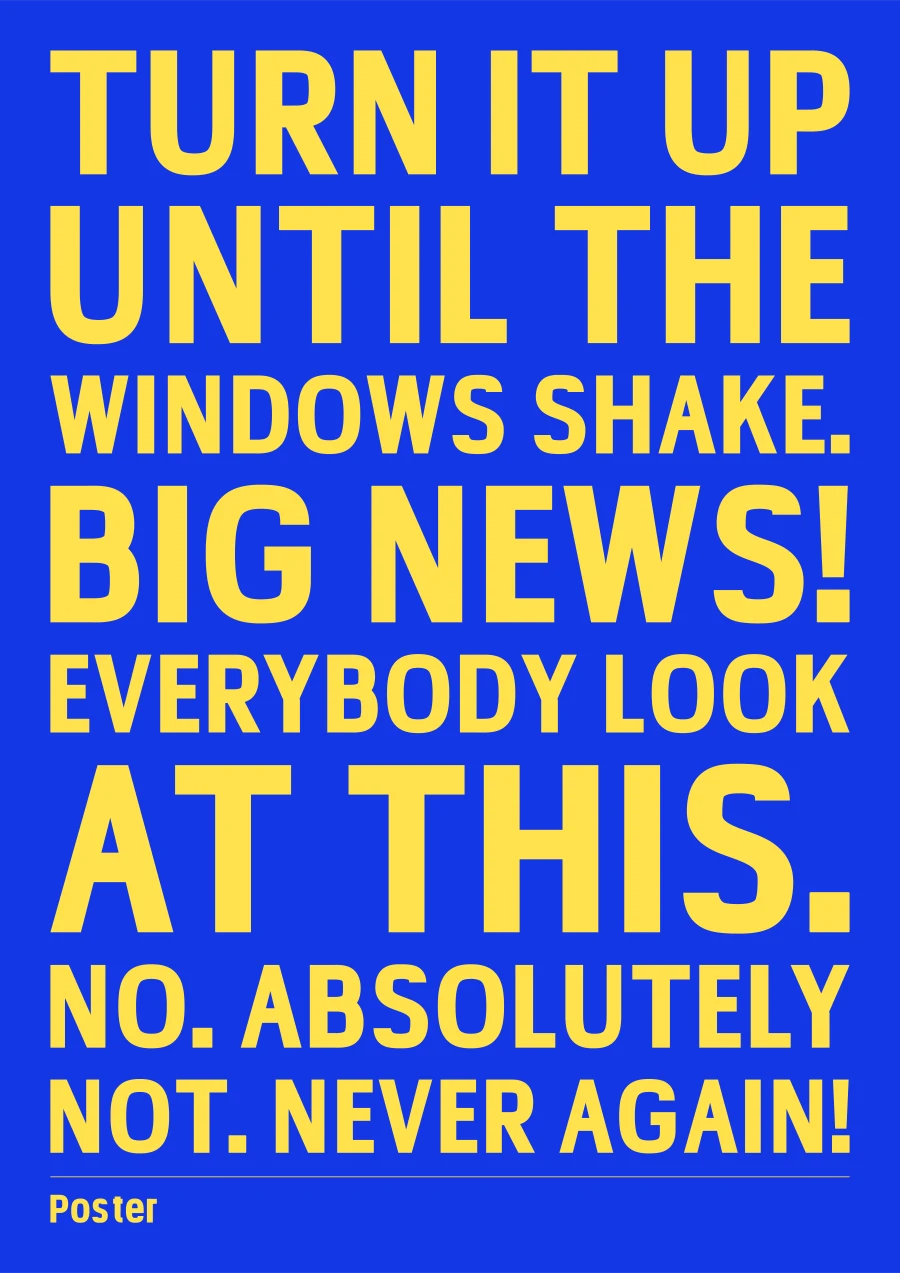
A poster
of any font.
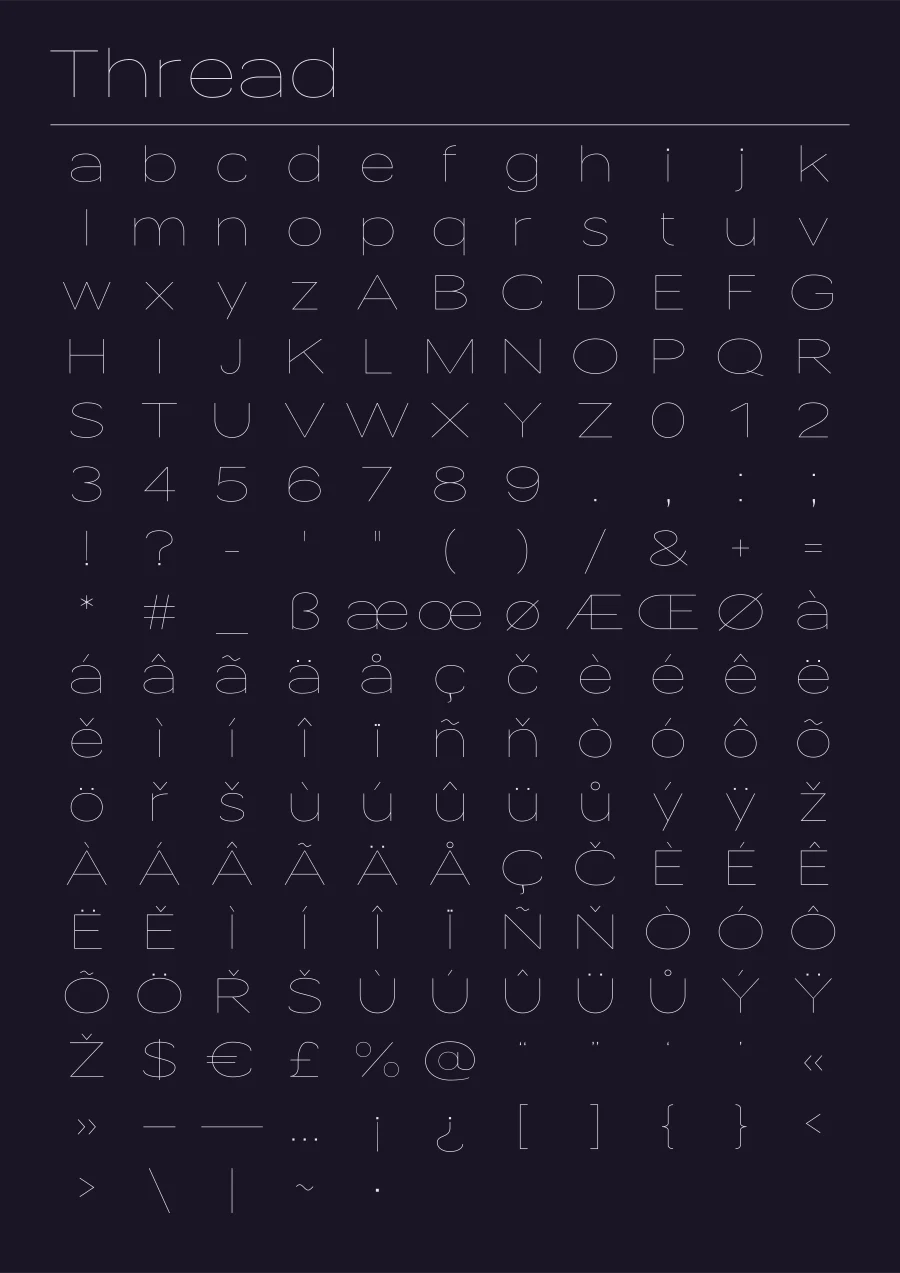
Four layouts, as a PNG or an A2 PDF. It suggests colours to suit the font, and keeps its thinnest stroke readable.
iPhone, iPad
and Mac.
Your fonts sit on one shelf, the same on all of them. Its last place is blank paper: one turn, and a new face wanders in.
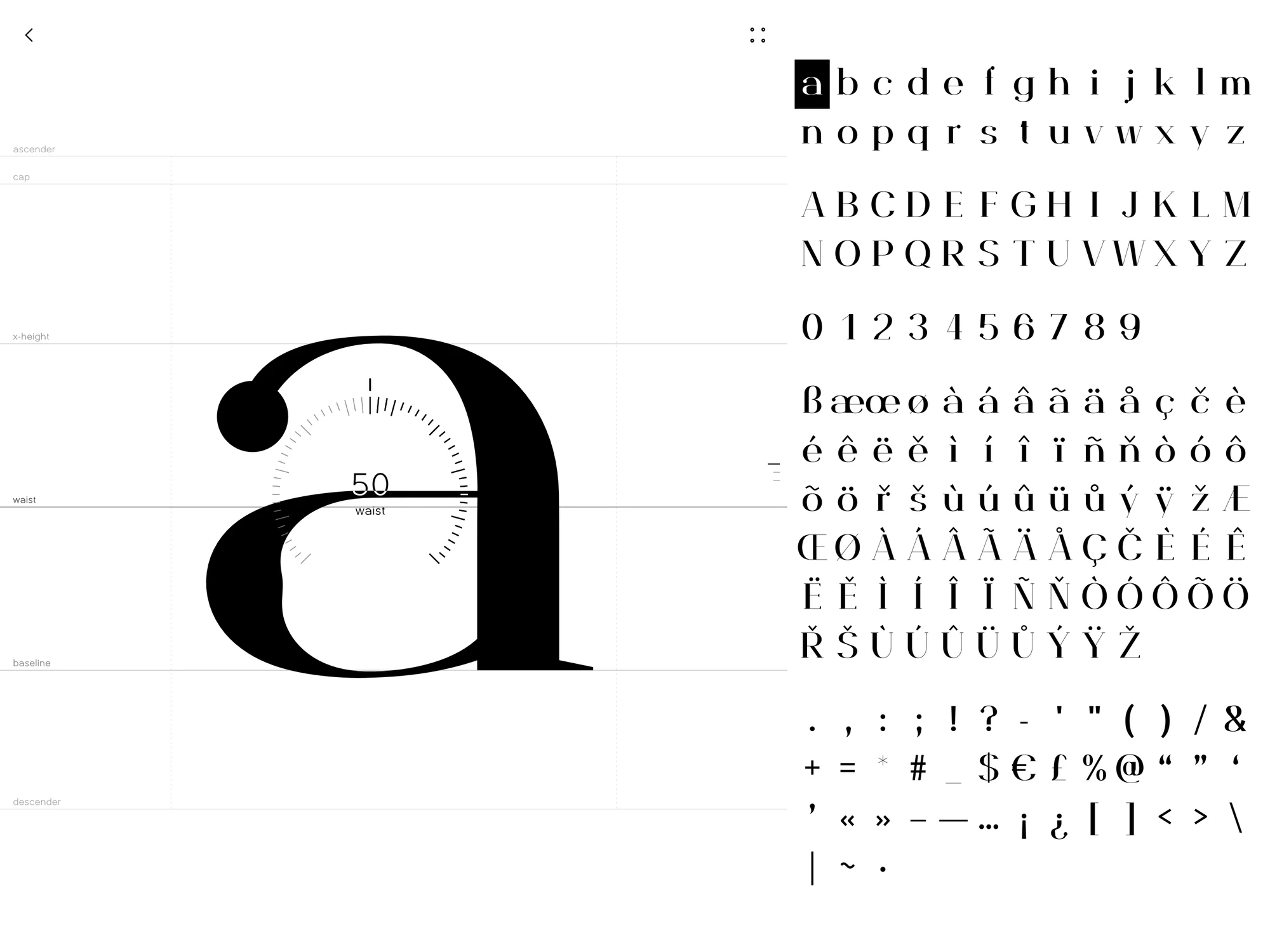
iPad
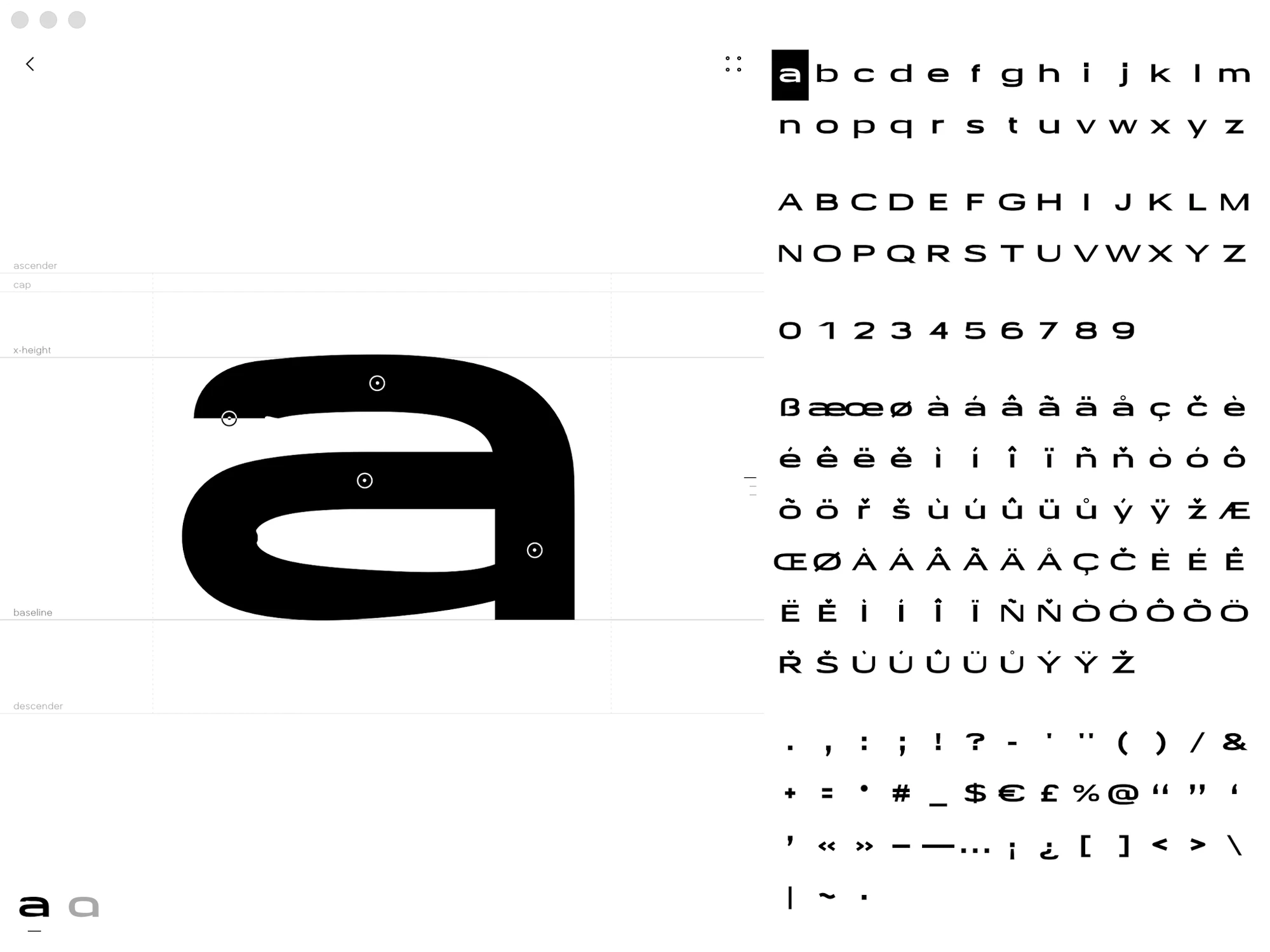
Mac
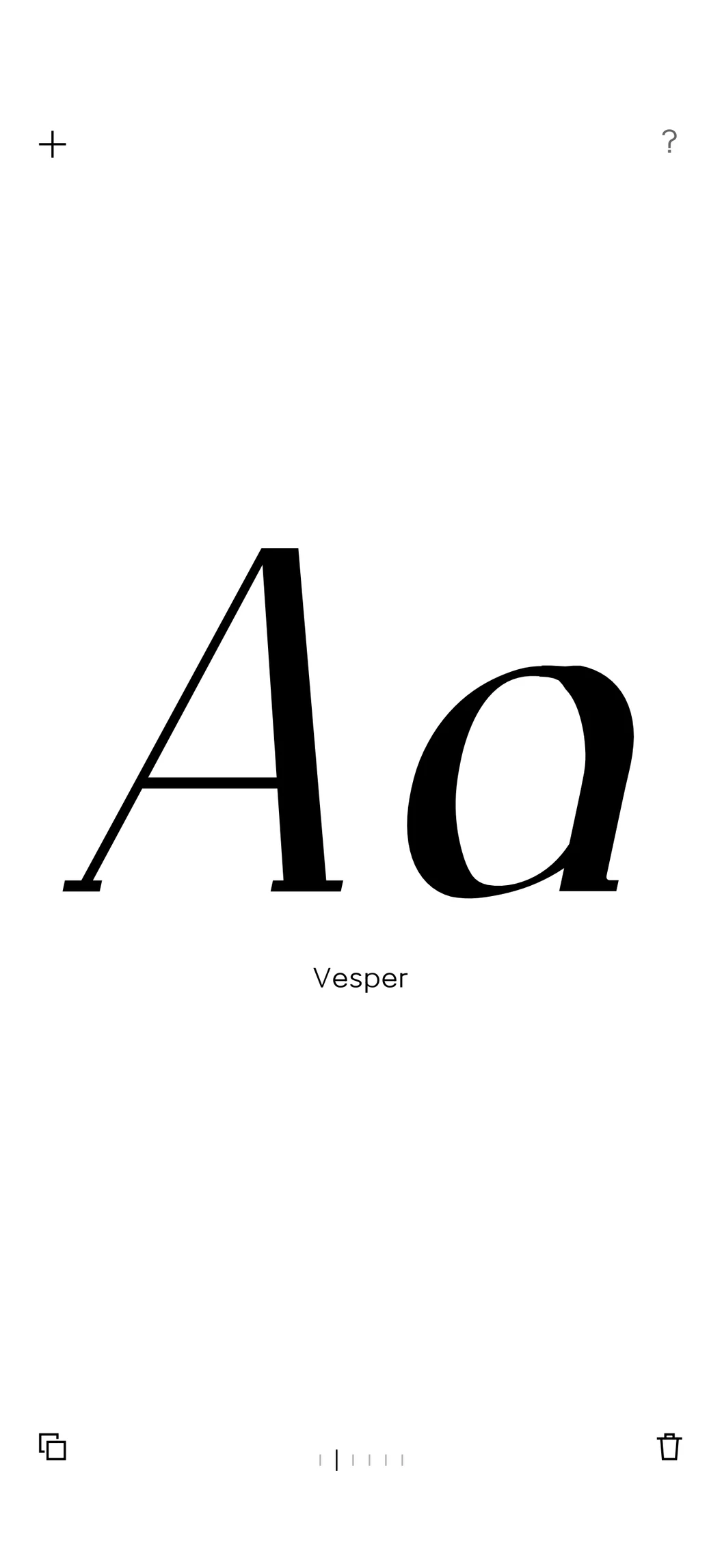
The shelf
Swipe and the letters morph from one font into the next.
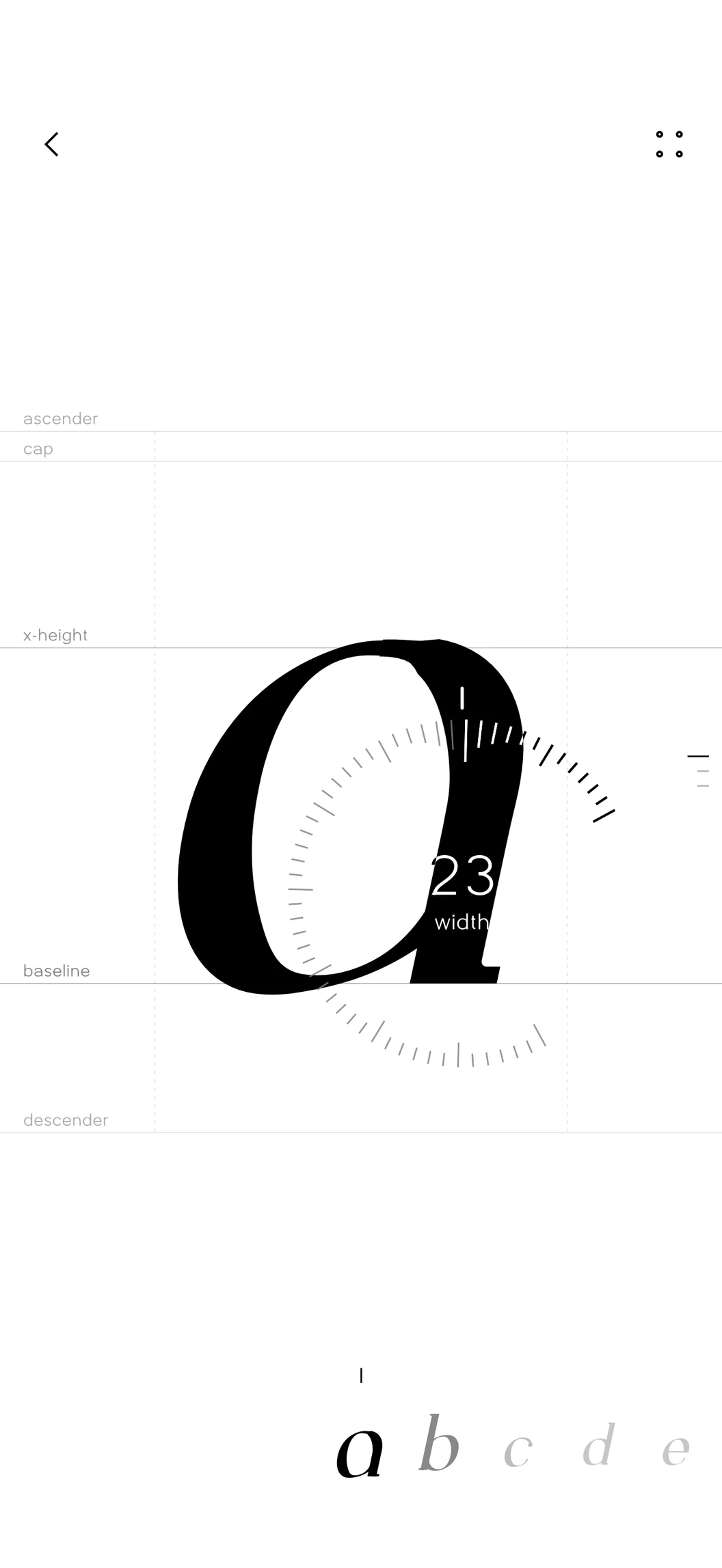
One turn
A point blooms into a ring. Flick it and it keeps spinning.
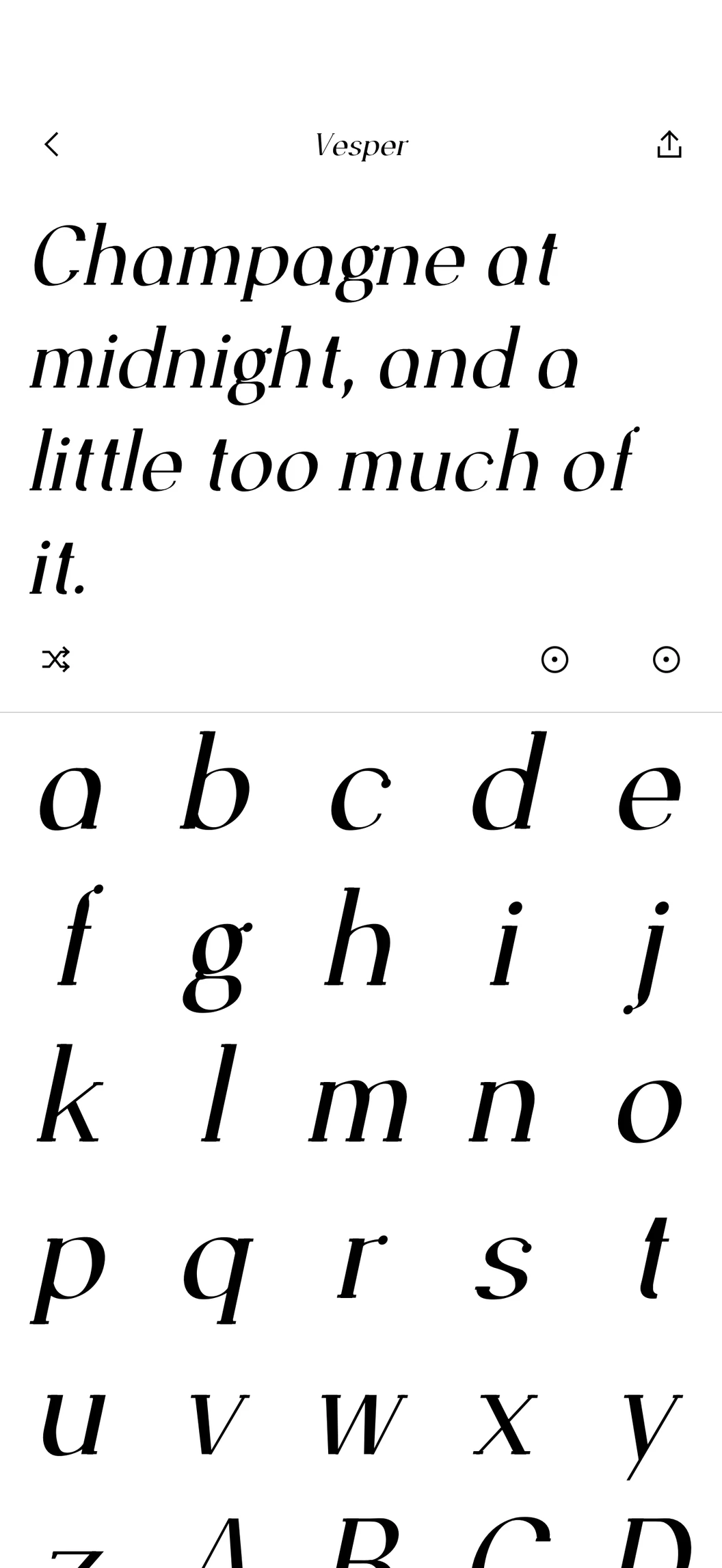
The specimen
Type into the real file, rebuilt as you turn.
- Made for each screen
- On iPad and Mac the letter and the whole alphabet sit side by side.
- Your iCloud
- Each font is also a file in your iCloud Drive, ready on your other devices.
- No account
- No sign-up. Your fonts stay with you.
A mini version for Figma.
The same engine, beside your canvas. Place the words as real vectors, copy them as SVG, or export the TTF.
It's not the full app: 80 everyday characters, and nothing is saved. The app has all 181, plus your shelf, posters and refining. Its fonts are for non-commercial use.
Get the plugin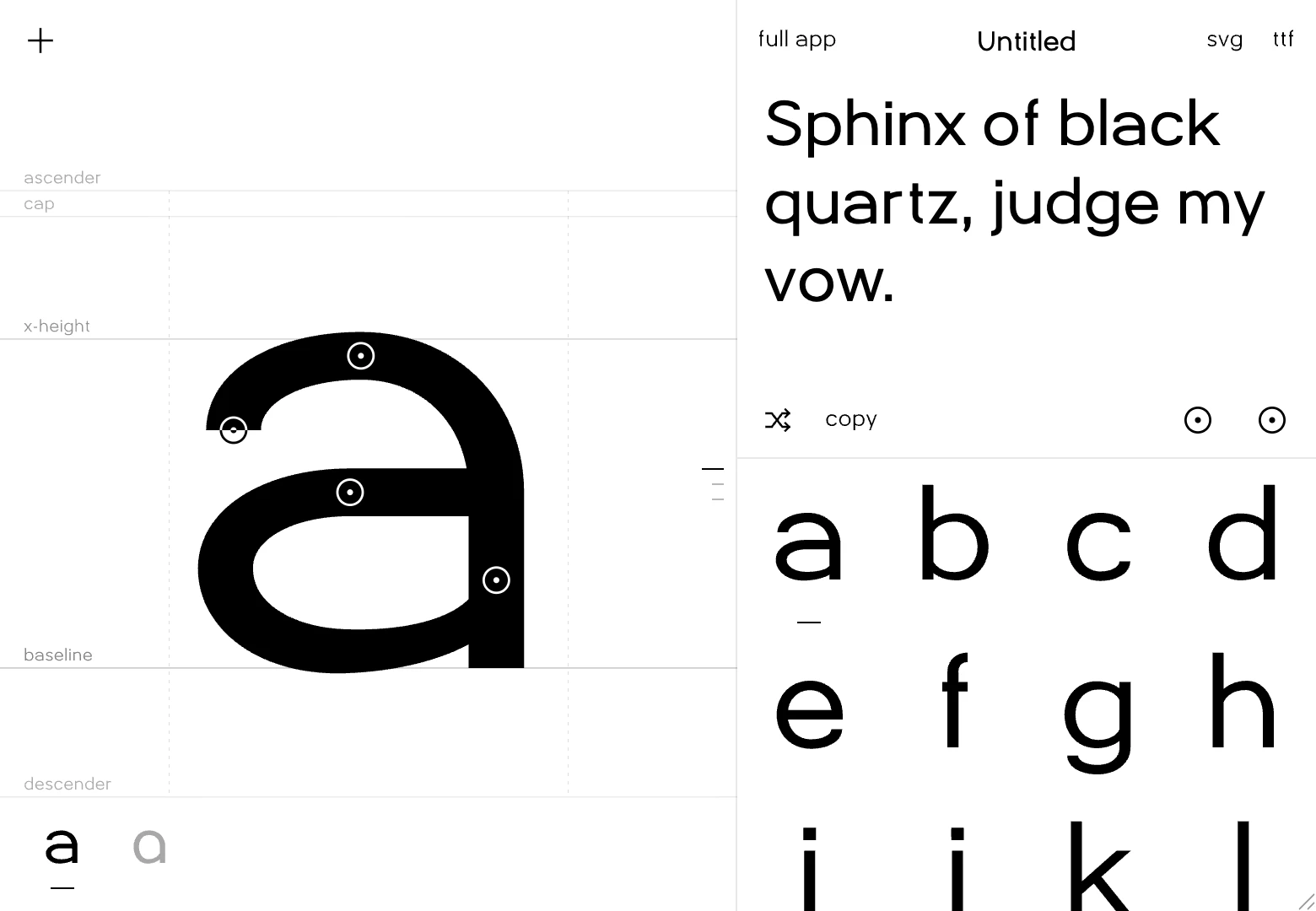
Good to know
Make your
own typeface.
A bespoke font in seconds, with no drawing.